Backgrounds
A background is the artwork behind the card's text.
Choose one
- Open Design → Background and press Browse backgrounds.
- Pick a category on the left, or search by name, occasion or wish.
- Select a background. Each one is shown on the current card.
- Press Use. Cancel changes nothing.
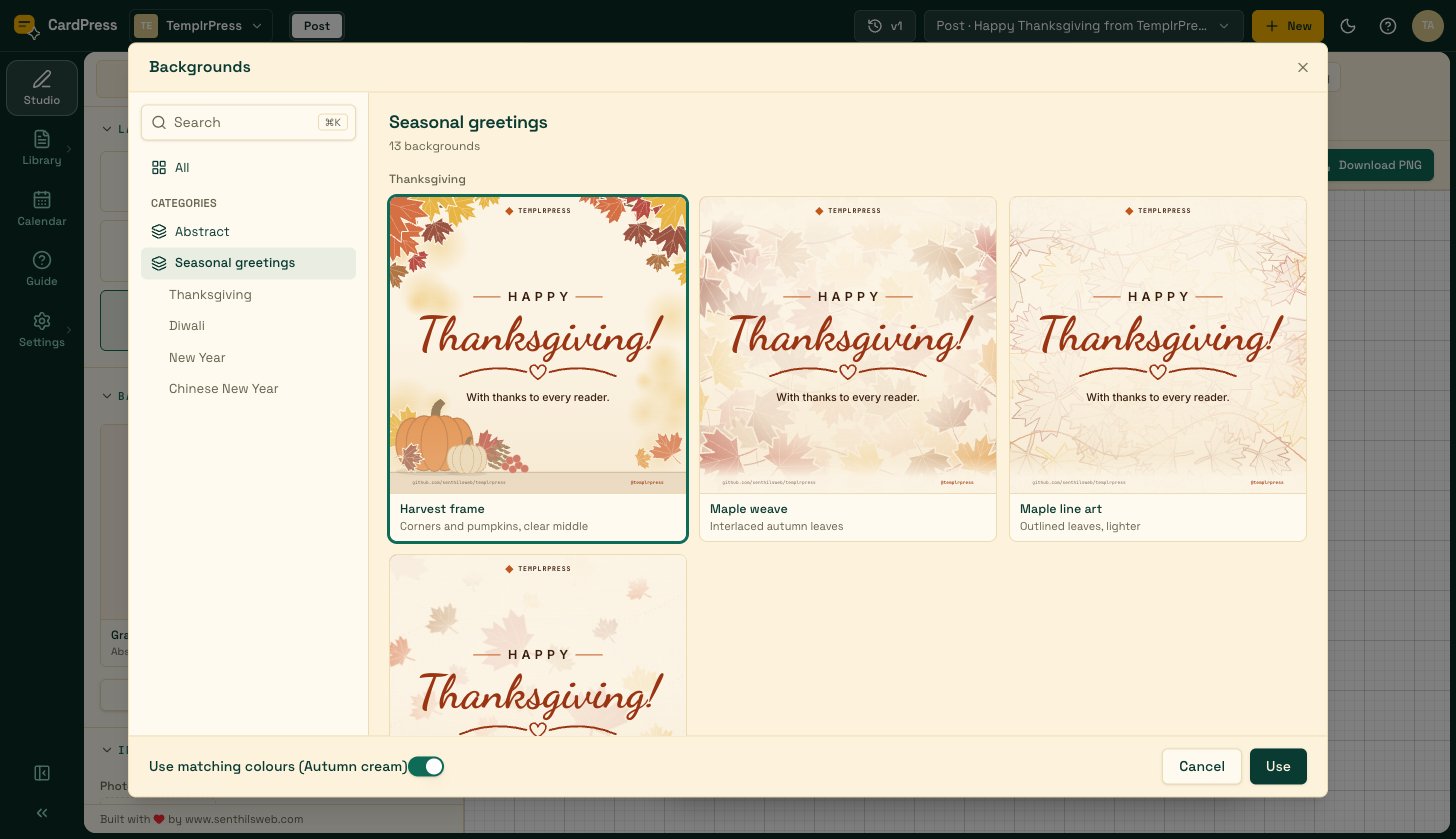
Categories
| Category | For |
|---|---|
| Abstract | Everyday posts and articles: data, technology, announcements, quotes |
| Seasonal greetings | Thanksgiving, Diwali, New Year and Chinese New Year |
Custom images
Own image, Photo mosaic and Browser frame use pictures added under Design → Images.
New backgrounds can be plugged in. Each background is a small add-on. Adding one takes little effort, and it then becomes available to everyone using this CardPress: ask the person who runs it. For a one-off design, any custom picture can be used instead: add it under Design → Images → Background image and choose Own image.
Adjust
Shuffle rearranges the artwork. Design → Fine tune sets how strong it is.