Library
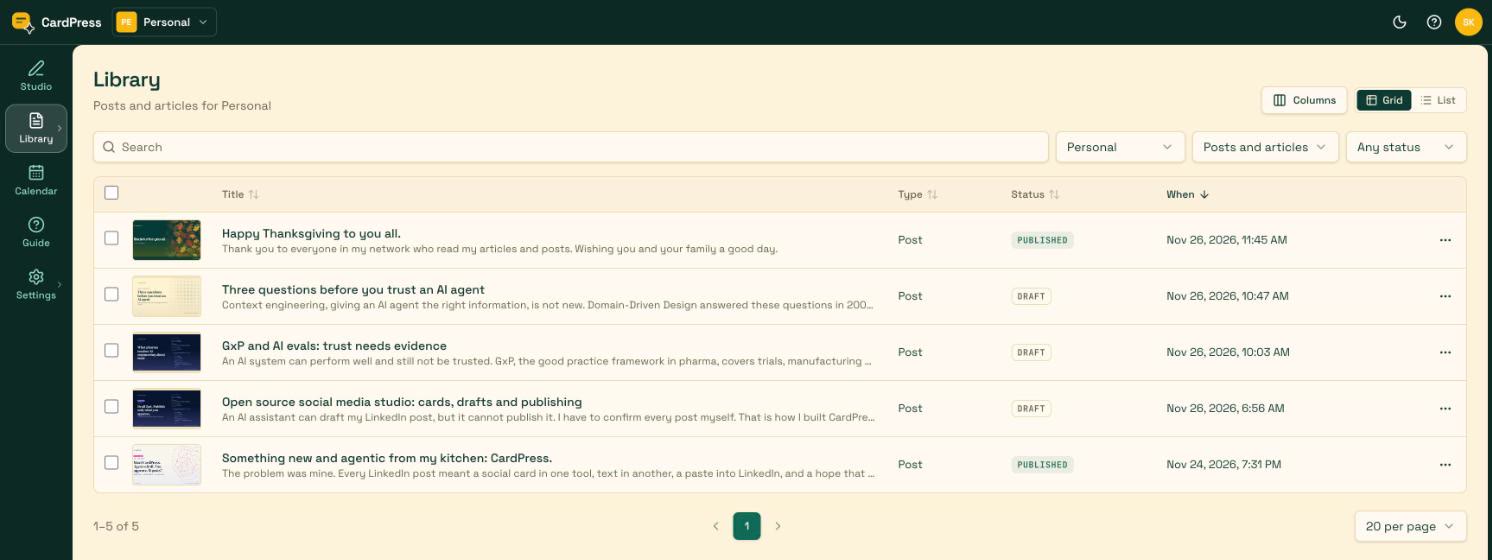
The Library lists everything drafted, scheduled and posted, newest first.
Library → Media keeps a brand's pictures, PDF documents and video links. Press Upload or drop files on the page; add a video with Add video link. Large pictures are made smaller, and a photo's own data, such as where it was taken, is left out. Long libraries come in pages. Cards and posts cannot pick from it yet.
Find an item
- Search titles, text and hashtags.
- Filter by brand, type and status.
- Switch between Grid and List. In the grid, press a column heading to sort.
Open and act
Press a row to see the card and the full text. The row menu (⋯) offers View, Edit, Schedule… or Plan a date…, Back to draft and Delete.
Delete
Only a draft can be deleted: bring an approved item back to draft first, and cancel a scheduled post first. Deleting the record of a sent post leaves the post on LinkedIn.