LinkedIn posts
A post is short text that goes to LinkedIn with a card, images, a PDF or a video link.
Write a post with chat
- Press New, then open Chat.
- Tick Post.
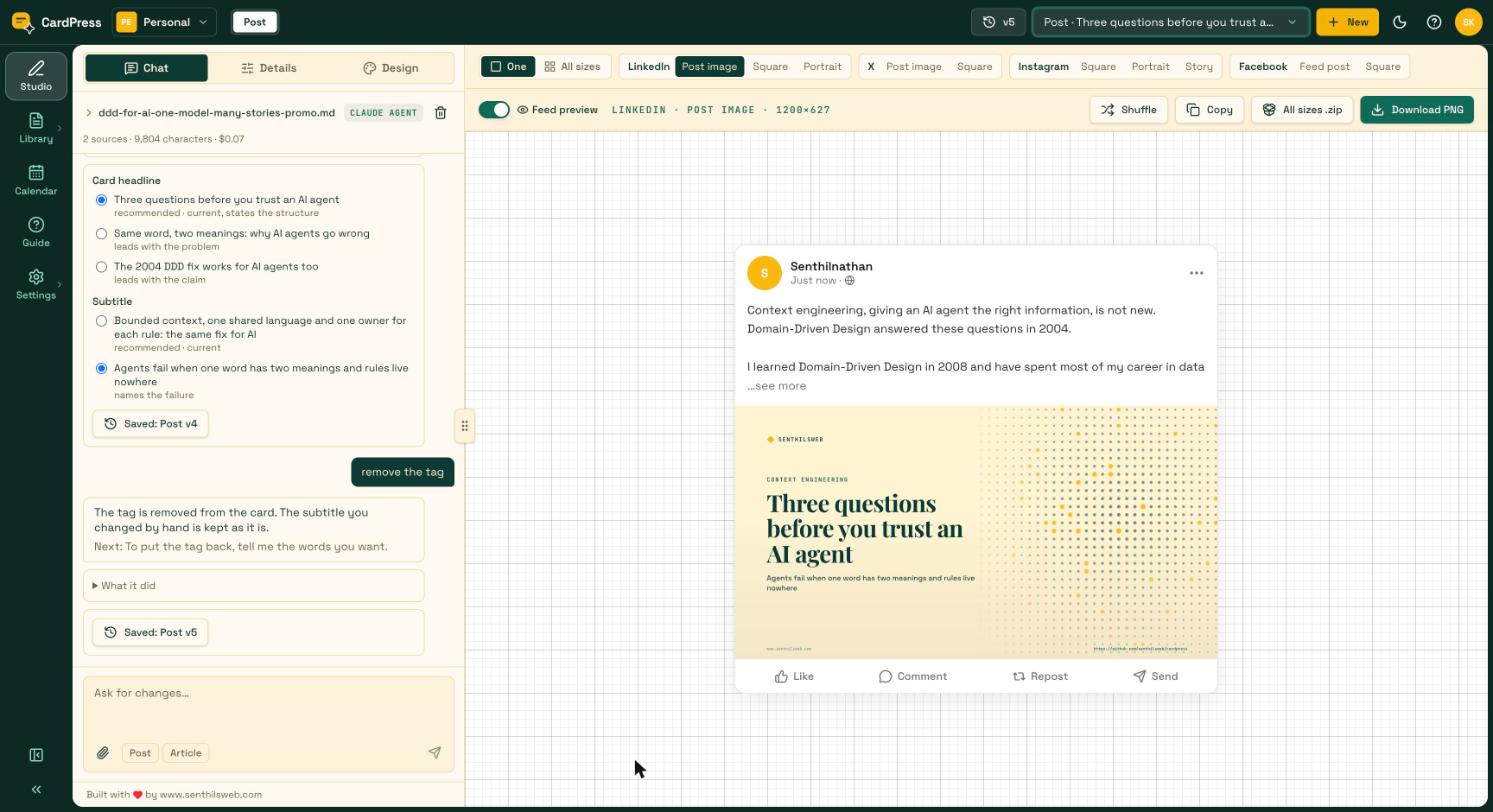
- Say what it is about. Attach a file, a link or pasted text with the paperclip if the post should draw on it.
- Pick among any options offered, then press Save as version.
- Ask for changes: "shorter", "give me three headlines", "start with the result".
Write a post by hand
- Under Details → Writing, choose Post and type the body.
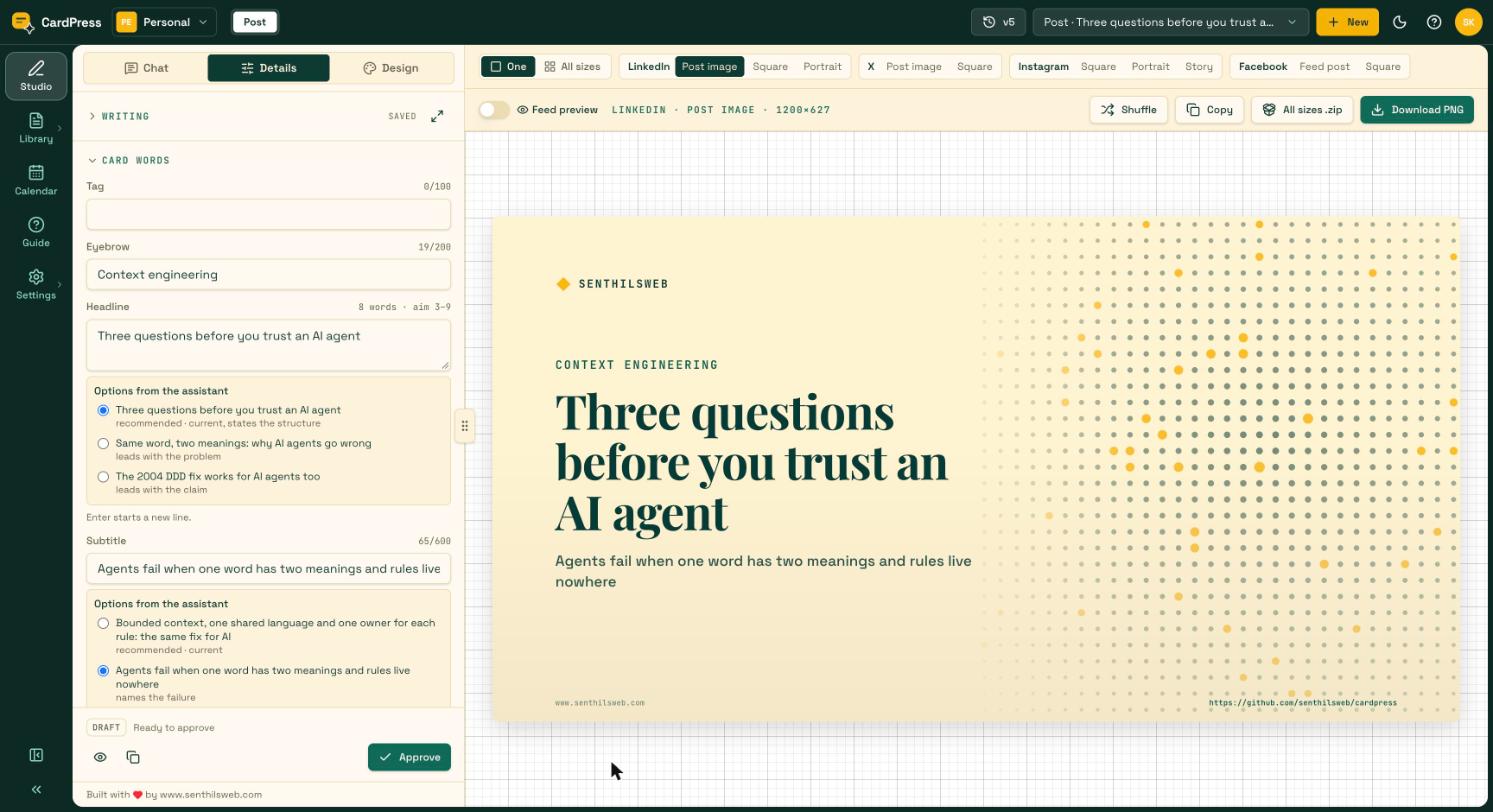
- Under Card words, fill in the text for the card.
- Under Sharing, add hashtags and alt text (a short description of the image for people who cannot see it).
Length and layout
- LinkedIn allows 3,000 characters, hashtags included.
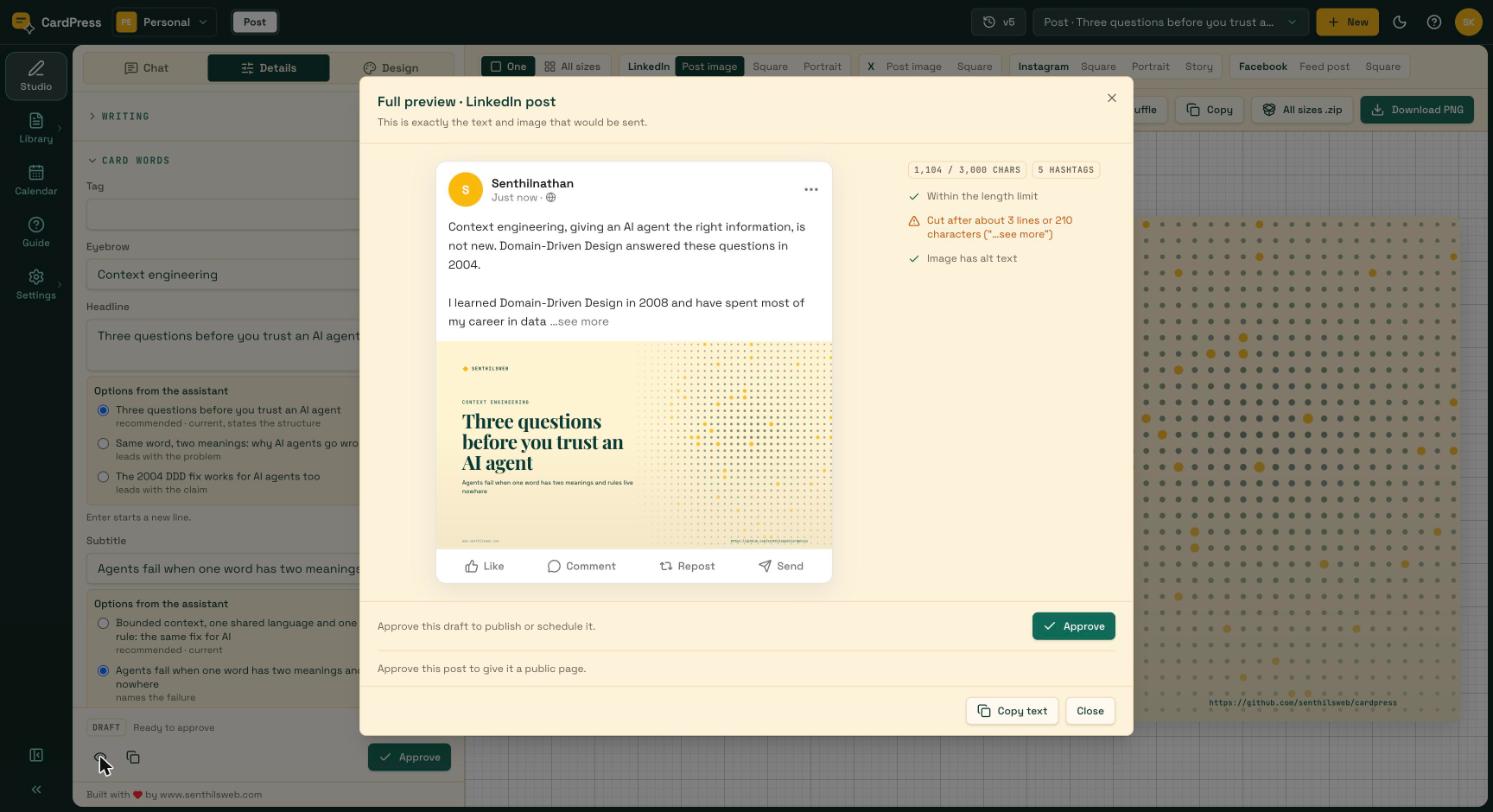
- The feed shows about the first three lines before "…see more", so put the point first.
- A counter shows the length and a suggested aim. The aim never blocks publishing.
- LinkedIn shows plain text. Lists are kept; bold and italic are left out unless the option for them is switched on.
Images, PDF or video instead of the card
Under Sharing → Attachment, choose Use images or a PDF, or add a video link. Use the card goes back to the card.
| File | Limit |
|---|---|
| Image (PNG or JPEG) | 10 MB |
| Several images | Up to 10, 10 MB each |
| 20 MB |
Check and publish
Press the eye to see the post as LinkedIn will show it. Then Approve and publish or schedule.